
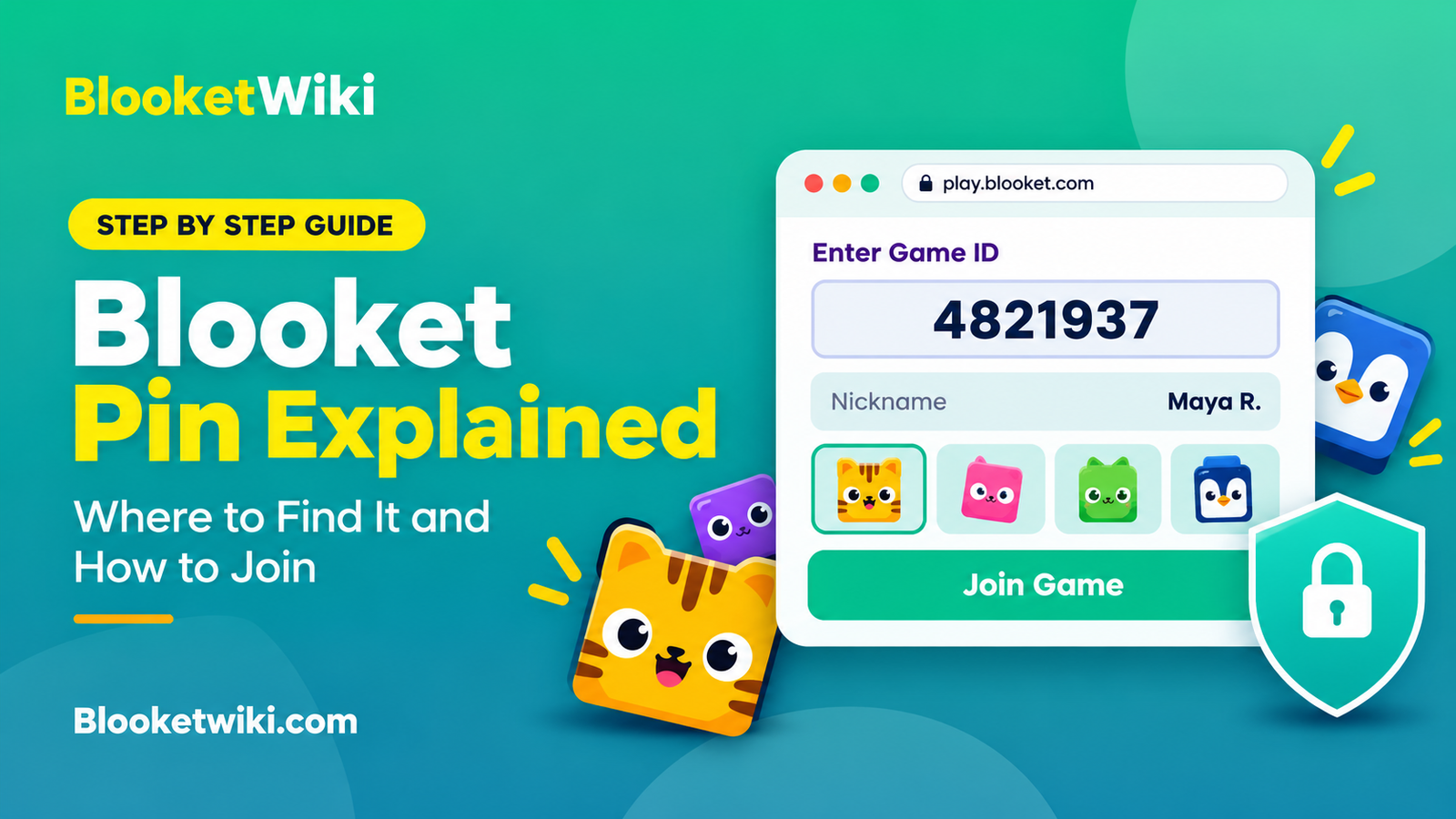
Blooket Pin Explained: Where to Find It and How to Join
Your teacher says, “Type the pin on the board.” You open your laptop, type the numbers, hit Join, and get a red error. Everyone around you is already picking a Blook.
It’s a small problem, but it can cost you the first two minutes of the game. Here’s how the pin works and how to fix it fast.
Quick answer: A Blooket pin is the number a host shares so you can join a live game. Blooket officially calls it a Game ID. Go to play.blooket.com, type the number from your teacher’s screen, add a nickname and pick a Blook. You don’t need an account to join a live game.
What is a Blooket pin?
A Blooket pin is the code that puts you in one specific live game. When a host starts a game, Blooket creates a fresh Game ID for that session. Share it, and players can enter the lobby.
You’ll see the same thing called a pin, a game code, a join code or a Game ID. Blooket’s own Help Center uses “Game ID,” so that’s the label you’ll see on screen. Many people search for “pin” because Kahoot uses that word, and the habit carried over.
| What people say | What it means |
|---|---|
| Blooket pin | A casual name for the Game ID |
| Game ID | Blooket’s official name for the join number |
| Join code or game code | Same thing, different words |
| Join link | A web link that takes you straight to that game |
| QR code | A square you scan with a camera to open the join link |
The ID belongs to one live session. Once the host ends that game, the ID stops working. That detail causes most of the trouble you’ll read about below.
How do you join a Blooket game with a pin?
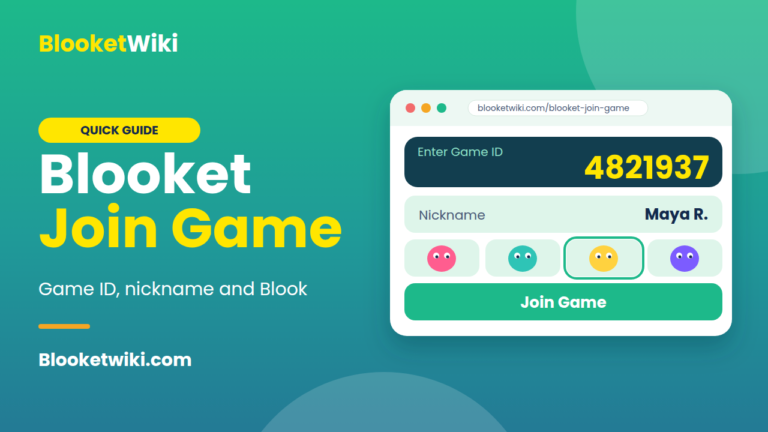
Joining takes about a minute on a phone, tablet or laptop. Screens can look a little different from one game mode to the next, but the path is the same.
- Open play.blooket.com in your browser. Type it in the address bar, not the search box.
- Enter the Game ID your host is showing and tap Join.
- Type a nickname. If your teacher wants real names, use yours.
- Pick a Blook. That’s your character in the game.
- Wait in the lobby until the host starts.
Here’s a made-up example. Ms. Rivera teaches 6th grade science. She launches a review game on the projector, and a number appears on screen. Her students open play.blooket.com on school Chromebooks, type that number, and show up in the lobby one by one. The one student who types a 7 instead of a 1 gets an error, fixes the typo, and joins ten seconds later.
Where do you find the Game ID?
The host sees it, and you get it from the host. Most teachers put it on a projector. Some paste it into a class chat or an online classroom page. Others share a join link or a QR code, which means you don’t have to type anything.
If you’re the one hosting, you need a Blooket account. After you pick a question set and a game mode and launch the game, the Game ID appears for you to share.
One common mistake is copying an ID from yesterday’s message. A new game means a new ID, so always use the one on the screen right now.
Why does Blooket say “invalid Game ID”?
The error looks scary, but the cause is usually small. This table covers the usual suspects, starting with the most likely.
| What’s going on | Why it happens | What to try |
|---|---|---|
| A typo | One wrong digit points to no game at all | Retype it slowly and compare with the screen |
| An old ID | The host ended that game or started a new one | Ask for the current ID |
| The wrong website | A typo in the address, or a look-alike site | Use play.blooket.com directly |
| A school filter | The network blocks Blooket | Ask your school’s tech team to allow it |
| A weak connection | The page can’t reach Blooket’s servers | Refresh, or switch from Wi-Fi to mobile data |
Check the first two before anything else. If the whole class is stuck, the host can end the game, launch it again and share the new ID.
Blooket also publishes its own troubleshooting pages in the Help Center, including one for blocked access and one for connection problems. They’re worth a look if the table doesn’t solve it.
Do you need an account to use a Blooket pin?
No. Students can join a live game with just the Game ID, a QR code or a join link. Blooket’s Help Center has a short FAQ on this if you want to double-check.
An account only matters if you want to collect Blooks and track your progress over time. Hosting is different. A teacher needs an account to launch a game.
Homework assignments don’t work like live games, so don’t expect a live Game ID there. Blooket has a separate guide for joining homework.
Is there a list of working Blooket pins?
No, and you shouldn’t trust any site that says it has one. A Game ID is created for a single live session by the host, and it stops working when that session ends. A “working pins” page can’t be live, so it’s guessing at best.
There’s a second reason to skip it. Joining a game you weren’t invited to disrupts the class that’s playing. If you want to play on your own, Blooket has solo modes that don’t need a host.
How can teachers share the pin without chaos?
Show it big. Text on a projector is hard to read from the back row, and one misread digit sends a student into an error loop.
Post it in two places, like the board and your class page. Students who join late can then grab it without interrupting you. For younger kids, the join link or QR code is faster than typing, and it removes typos completely.
Keep the lobby screen up until most of the class has joined. If you start too early, you’ll spend the first round answering “I can’t get in” questions.
FAQ
What is a Blooket pin?
It’s the number that lets you join a live Blooket game. Blooket’s official name for it is Game ID. The host gets a new one each time they launch a game.
Where do I enter a Blooket pin?
Go to play.blooket.com and type it into the Game ID box. Then add a nickname and pick a Blook. You can do this on a phone, tablet or computer.
Why does my Blooket pin say invalid?
The usual causes are a typo, an ID from a game that already ended, or a network that blocks Blooket. Retype it, ask the host for the current ID, and try another connection if it still fails.
Do I need an account to join with a pin?
No, not for a live game. You need an account only if you want to host, or if you want to keep your Blooks and progress.
Does a Blooket pin expire?
Yes, in practice. It works for one live session, so it stops working when the host ends the game. A new game needs a new ID.
Your next step
Before your next class, open play.blooket.com on the same device your students use and join a test game yourself. If something’s blocked or confusing, you’ll find out while there’s still time to fix it.