

Blooket Join Game: How to Enter a Code in 4 Steps
Your teacher puts a code on the board. Thirty students start typing at once. You hit enter and get an error, while everyone else is already picking a Blook.
That’s a rough start to a review game. It’s also almost always fixable in under a minute.
To join a Blooket game, go to play.blooket.com, enter the game code, type a nickname, and choose a Blook while you wait for the teacher to start. You can also scan a QR code or click a join link. You don’t need a student account to join.
How do you join a Blooket game?
Here’s the full Blooket join game process.
- Open play.blooket.com. Type it yourself instead of clicking a search ad.
- Enter the Game ID. It’s the number the host shows on screen.
- Type a nickname. If the host turned on “Use Random Names,” Blooket gives you a generated name instead.
- Pick a Blook and wait. You choose your Blook in the lobby, and the teacher starts the game once everyone is in.
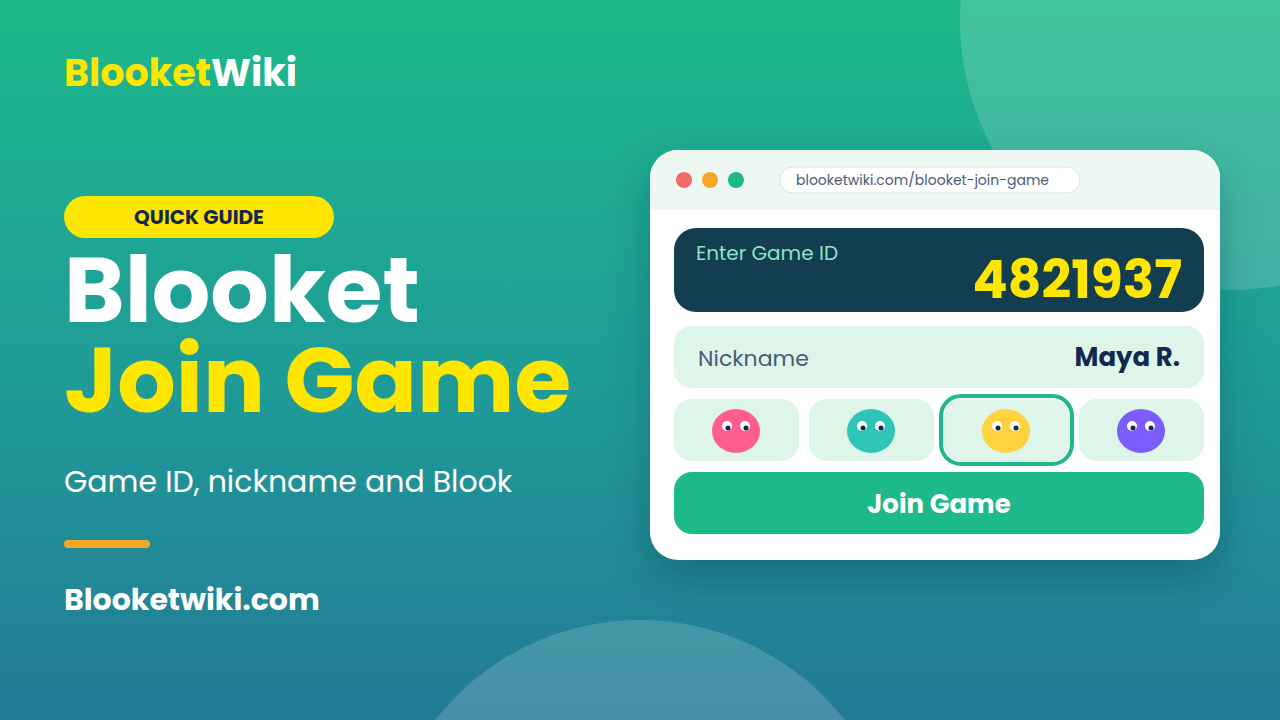
Here’s an example. Say your teacher hosts a Gold Quest round and the board shows 4821937. You’d open play.blooket.com, type those digits, enter “Maya R.” as your nickname, and pick a Blook. Those numbers are made up, so don’t try them.
One tip if you’re a student: use a nickname your teacher can recognize. Blooket suggests real names because they make the after-game reports more useful.
Game ID, QR code or join link: which should you use?
They all do the same job. They just suit different devices.
| Method | Works best for | What you do |
|---|---|---|
| Game ID | Computers and Chromebooks in class | Type it at play.blooket.com |
| QR code | Phones and tablets | Scan it with the camera |
| Join link | Online classes, email, school portals | Click the link |
Blooket says the join link is especially handy for virtual classes.
Now the confusing part: how long is a code? The student join guide says 7 digits. An older host guide says 6 digits. Blooket’s help pages don’t agree, so don’t count digits. Type exactly what’s on the screen.
Do you need a Blooket account to join?
No. Student accounts aren’t required, but if you want to earn points and use your own Blooks, you have to log in before you join the game. If you skip that and join as a guest, you can’t add the account afterward to the same game, so decide before you type the code.
Why won’t my Blooket code work?
Most failures come from a short list of causes. Check them in this order.
You’re on the wrong page. Use play.blooket.com, not a search result. Look-alike sites exist, and they won’t connect you to anything.
The game already started. Hosts can switch off “Allow Late Joining,” and when it’s off, nobody can join once the game begins. It’s on by default, so this only happens if your teacher turned it off. If that’s your problem, ask the teacher to start a new round or admit you manually.
The code is old. A code belongs to one live game. If the host ended it, or you saved a code from last week, it won’t match anything. Ask for the current one.
The game is full. Each game mode has a player limit, and the host can see it in the mode’s description box. A big class on a small-limit mode is a common mismatch.
Your network is blocking it. School filters sometimes cause this. A quick test is to try the same code on a phone using mobile data, if your school allows phones. If that works, the problem is the school network, not your code. Blooket’s help center has articles on blocked access and on not being able to join or host a game. Ask your IT team to check, and skip the workarounds.
How do you join Blooket homework?
Homework doesn’t use a Game ID at all, and this trips people up.
Teachers share homework as a QR code or a link. After you open it, you’ll see a details screen with the title, teacher name, due date and a “Correct Goal,” which is how many questions you must answer right. Click Get Started, pick a solo game mode, press Play, then enter your nickname.
Finish it in one sitting. If you close the tab or leave it idle too long, you’ll have to start over from the link or QR code. Your teacher still sees that you met the goal even if you keep playing afterward.
Should you join public Blooket games from Discord or Reddit?
I’d skip it, especially for school. A code is meant to link you to a game run by someone who knows who’s in the room. In a public game you don’t know the host, you can’t check what’s in the question set, and your teacher gets no report of how you did. If you just want practice, a solo game on a set you pick is simpler and safer.
Tips for teachers hosting a Blooket game
A few settings save time. When you set up a live game, you can show short instructions first, allow late joining, and generate random names. If you want a clean round, turn off late joining once everyone is in. If you’d rather have readable reports, leave random names off. Before you pick a mode, check its player limit, especially with a full class. For online lessons, copy the join link into your chat or school portal so students don’t need to type a code.
FAQ
Do I need an account to join a Blooket game?
No. You can join as a guest with a nickname. Log in first only if you want to earn points and use your own Blooks.
Where do I enter a Blooket game code?
Go to play.blooket.com and type the Game ID the host gives you. A QR code or join link also works.
How many digits is a Blooket Game ID?
Blooket’s help pages say 6 digits in one place and 7 in another. Type exactly what the host shows.
Can I join a Blooket game after it starts?
Only if the host left “Allow Late Joining” on. It’s on by default, but teachers can turn it off.
Can I join Blooket on my phone?
Yes. Open play.blooket.com in your phone’s browser, or scan the host’s QR code with your camera.
Ready to join?
Next time the code goes up, open play.blooket.com yourself and type the digits exactly. If it fails, tell your teacher the exact message you see. That detail helps them find the cause faster.